


-
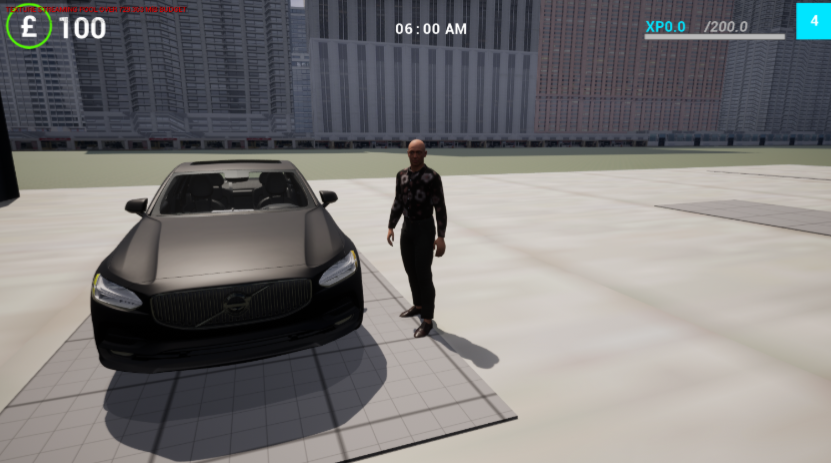
DescriptionPlayer movement forms the foundation of the gameplay experience, allowing players to navigate the environment, interact with vehicles, and engage in the game's core systems. Player movement is integral to transitioning between on-foot exploration and vehicle-based gameplay. This feature includes walking, running, interacting with objects (e.g., vehicles), and animations for entering/exiting vehicles.
ImplementationThe player movement system is implemented using Unreal Engine's Character Class, which provides built-in tools for character locomotion and physics-based interactions. Locomotion Configuring inputs for movement to ensure responsiveness and accessibility, Using a blend space to dynamically swich between idle., walking and running animations based on the players speed. Interaction with Vehicles Interaction are triggered with collision boxes when the player is near the vehicle door. Using a animation montage when the player interacts with the vehicle e.g. opening the door. Swapping the input controls from the player character to the vehicle actor once the interaction is complete.
Design ApproachThe design of the player movement system focuses on delivering fluidity, realism, and functionality to ensure the player feels connected to the game world.
Click for details×ChallengesAnimation Clipping During Vehicle Entry / ExitChallange:A key challenge in implementing vehicle entry/exit mechanics was ensuring character animations aligned seamlessly with the vehicle. During the door-opening sequence, noticeable clipping occurred at the end of the animation, where the player's hand would not always reach the door handle accurately. This broke immersion and made transitions appear unpolished.Solution:I implemented an interpolation system to adjust the player character's position dynamically during the animation. By ensuring the character moves to a specific offset relative to the vehicle, the player's hand consistently aligns with the door handle throughout the animation. To further smooth the transition, I incorporated a fade-in/fade-out UI animation during the entry/exit sequence. This subtle visual effect hides any minor animation clipping, improving the perceived quality of the transition. Together, these adjustments created a more seamless and immersive experience when interacting with vehicles.
-
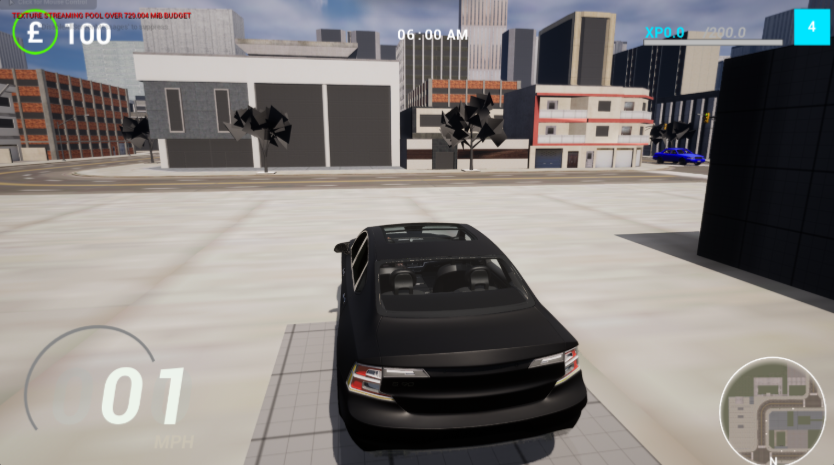
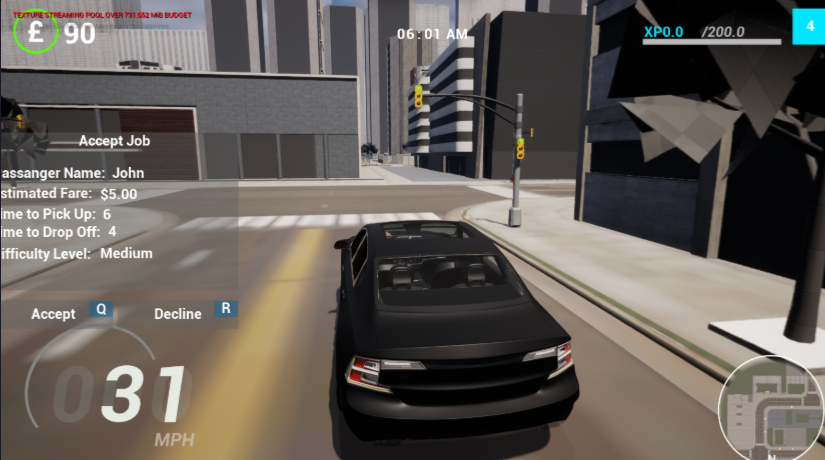
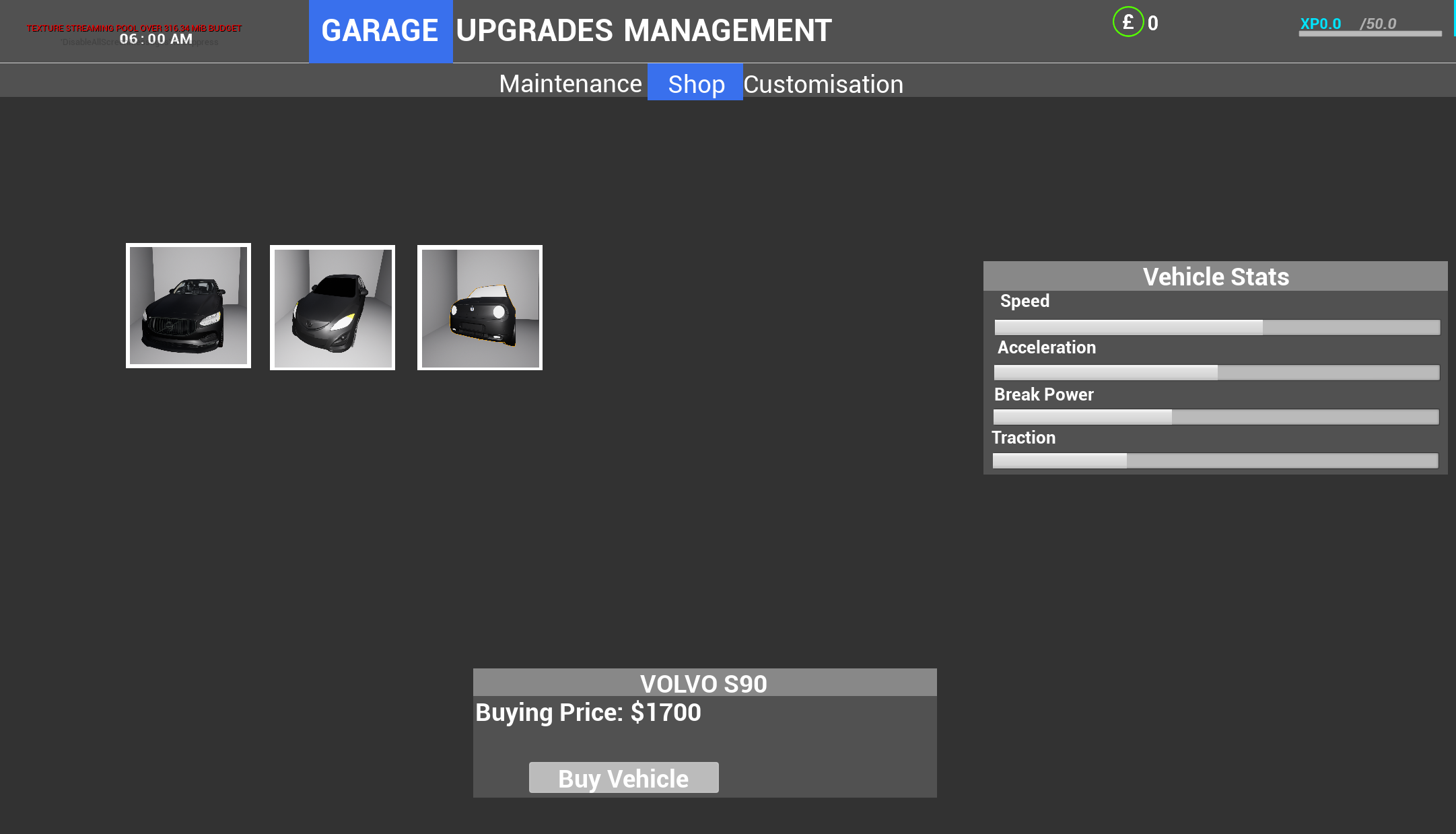
DescriptionVehicles are the backbone of the game, serving as the primary tool for players to immerse themselves in the game world and complete their objectives. Each vehicle is equipped with a range of dynamic components and interactive features, designed to enhance realism and gameplay functionality. These include togglable indicators, functioning headlights, responsive door animations, and physics-driven driving mechanics.
ImplementationAll vehicles inherit from a single base class, enabling shared functionality such as lights, doors, and driving systems.
Design ApproachEvery vehicle feature is designed to reinforce immersion, their was also a heavy focus on scalability through the modular vehicle framework which allows for the addition of new vehicles or features without significant rework. For example, new car models can inherit core systems while introducing unique capabilities.
 Click for details×
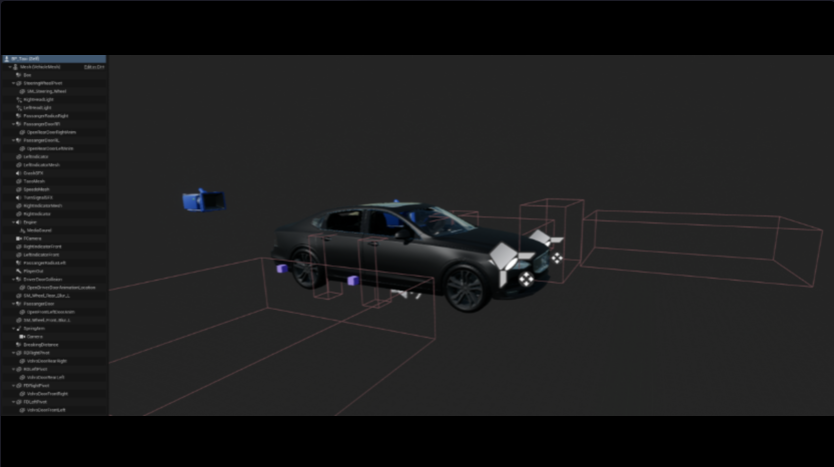
Vehicle Structure
This image provides an overview of the vehicle blueprint, detailing its modular structure and key components. Each component is designed to interact seamlessly, creating a dynamic and realistic driving experience.ChallengesOptimizing Vehicle Lights with Material SwappingChallange:One of the challenges in designing the vehicle system was finding a way to implement visually appealing headlights and indicators without relying on real-time lighting, which can be computationally expensive. Using real lights for features like headlights, indicators, and brake lights significantly impacted performance when multiple vehicles were present or when targeting lower-end hardware.Solution:To address this, I implemented a material-swapping system for the lights. Instead of real-time light sources, I created two versions of the light materials: one with an emissive texture for the "on" state and a non-emissive version for the "off" state. The system dynamically swaps materials when lights are toggled. This approach reduced the computational load, eliminated the need for shadow and light calculations, and allowed the game to maintain visual fidelity across platforms.