




Callum Dourneen
Game Developer
< Back
Frolic Frog
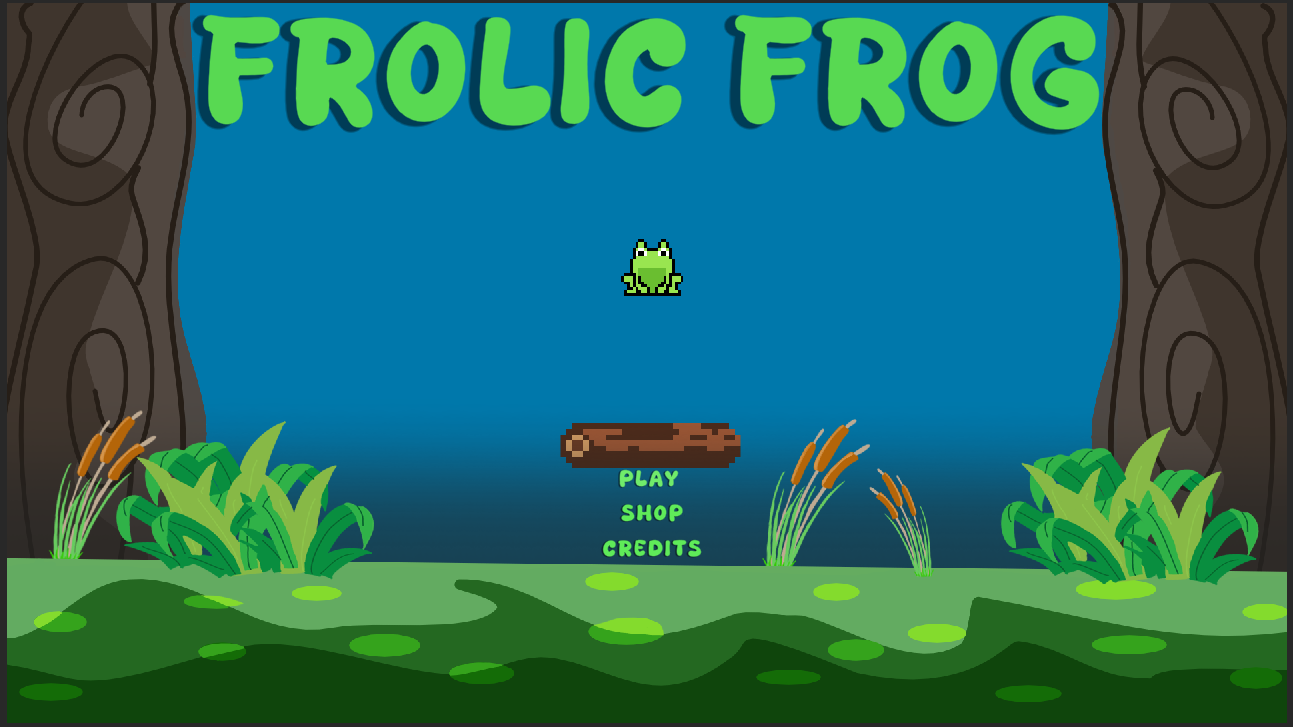
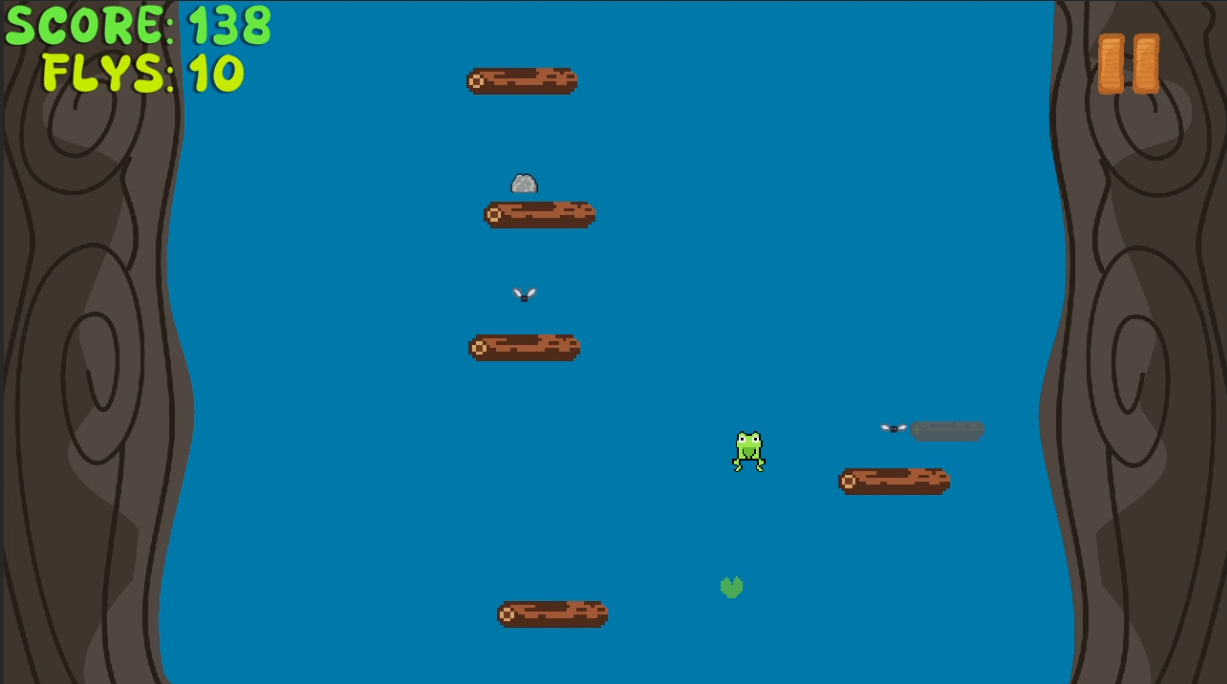
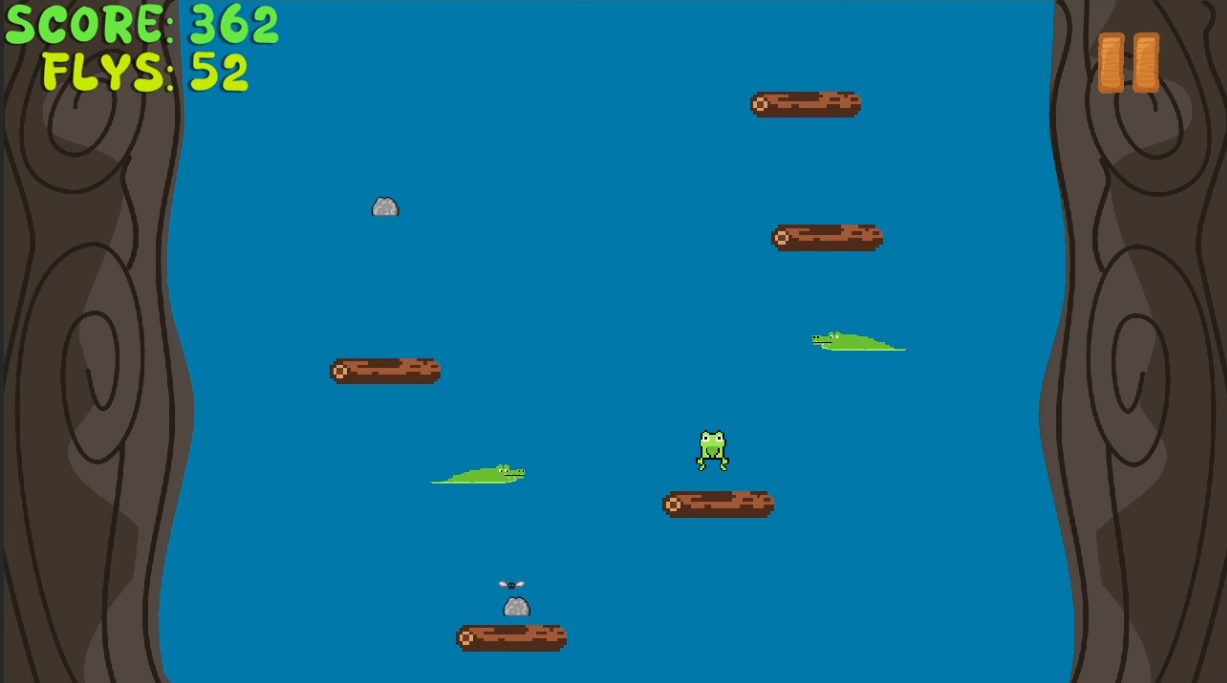
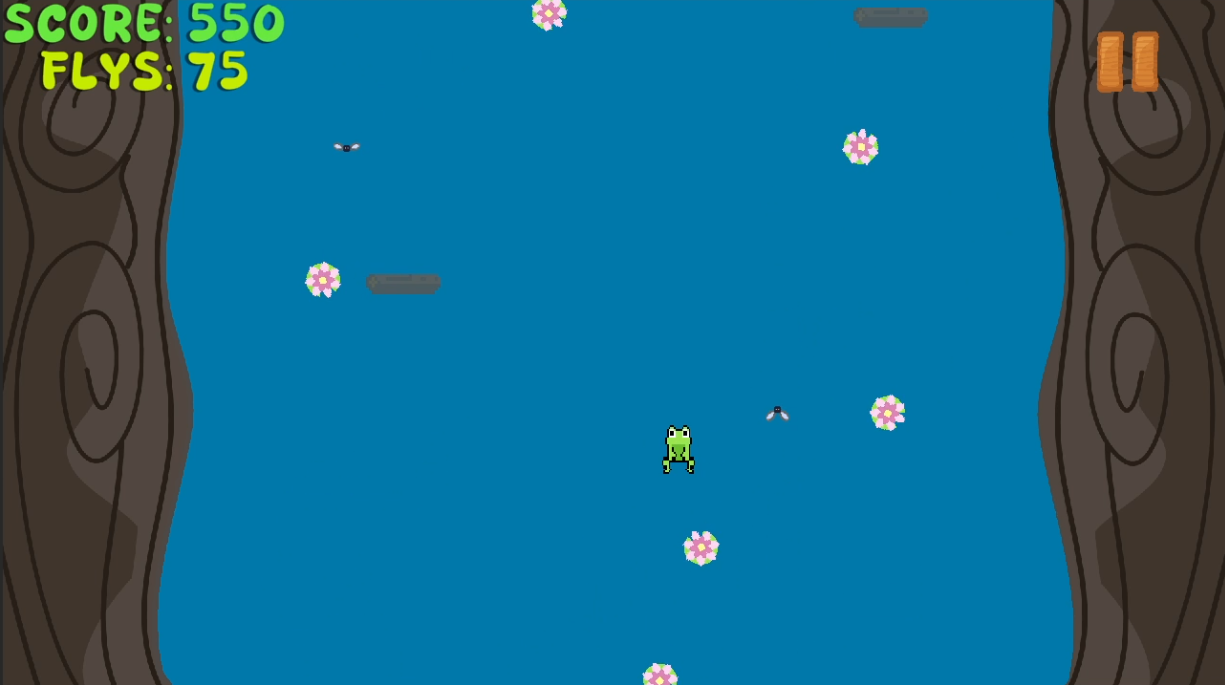
A fun and engaging platformer where players navigate challenges as a clever frog.
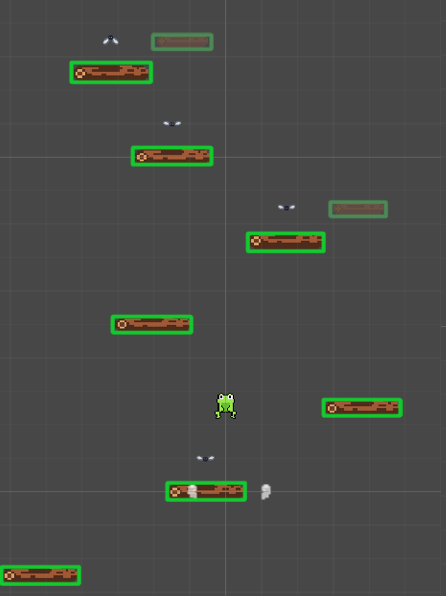
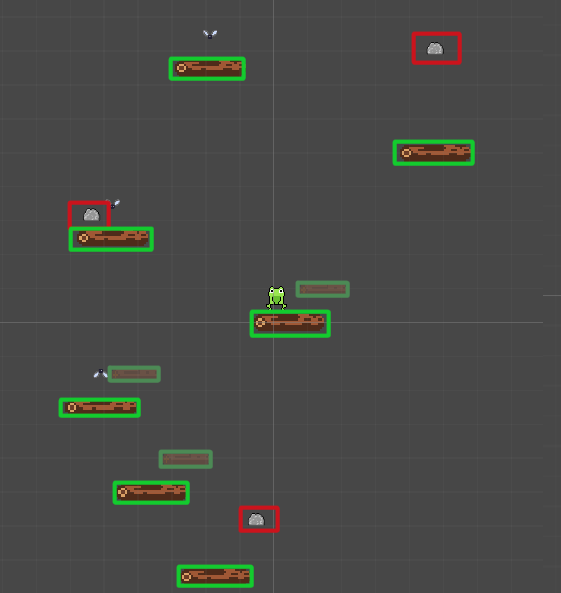
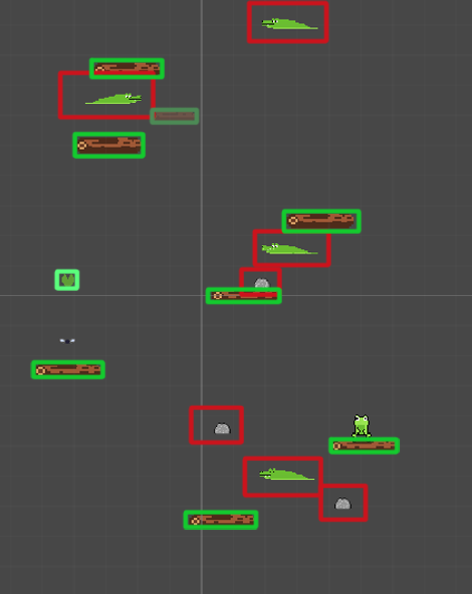
Project Screenshot Project Screenshot Project Screenshot Project Screenshot Project Screenshot Project Screenshot
About
Frolic Frog is a thrilling vertical platformer that invites players to leap into a vibrant world filled with challenges and excitement. As you guide our charismatic frog through hazardous waters and perilous obstacles, you'll need sharp reflexes and strategic thinking to reach new heights and set high scores.
Project Details
Game Title: Frolic Frog
Genre: Vertical Platformer
Platform: PC
Development Tools: Unity, C#
Game Features:
  • Jumping
  • Collecting
  • Obstacles
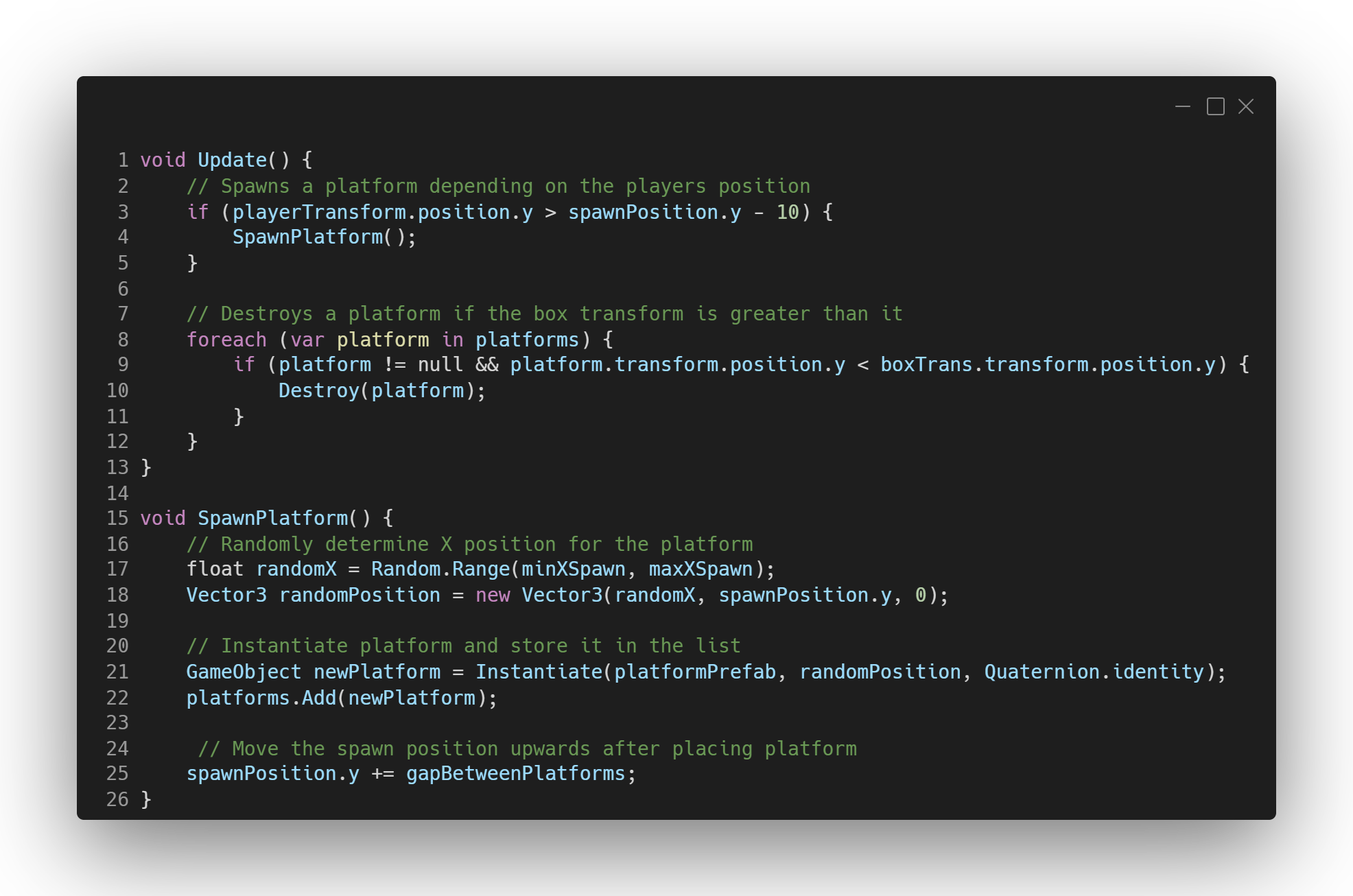
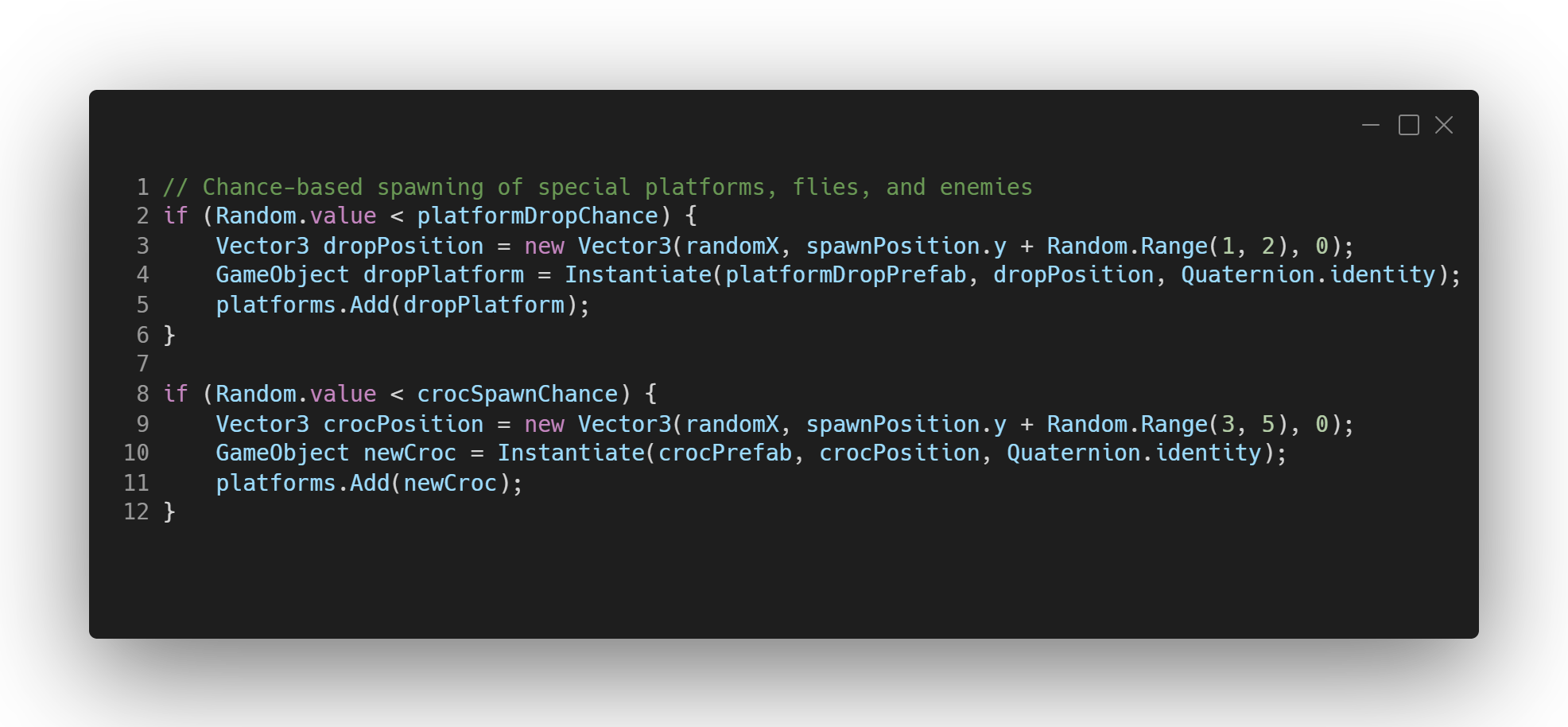
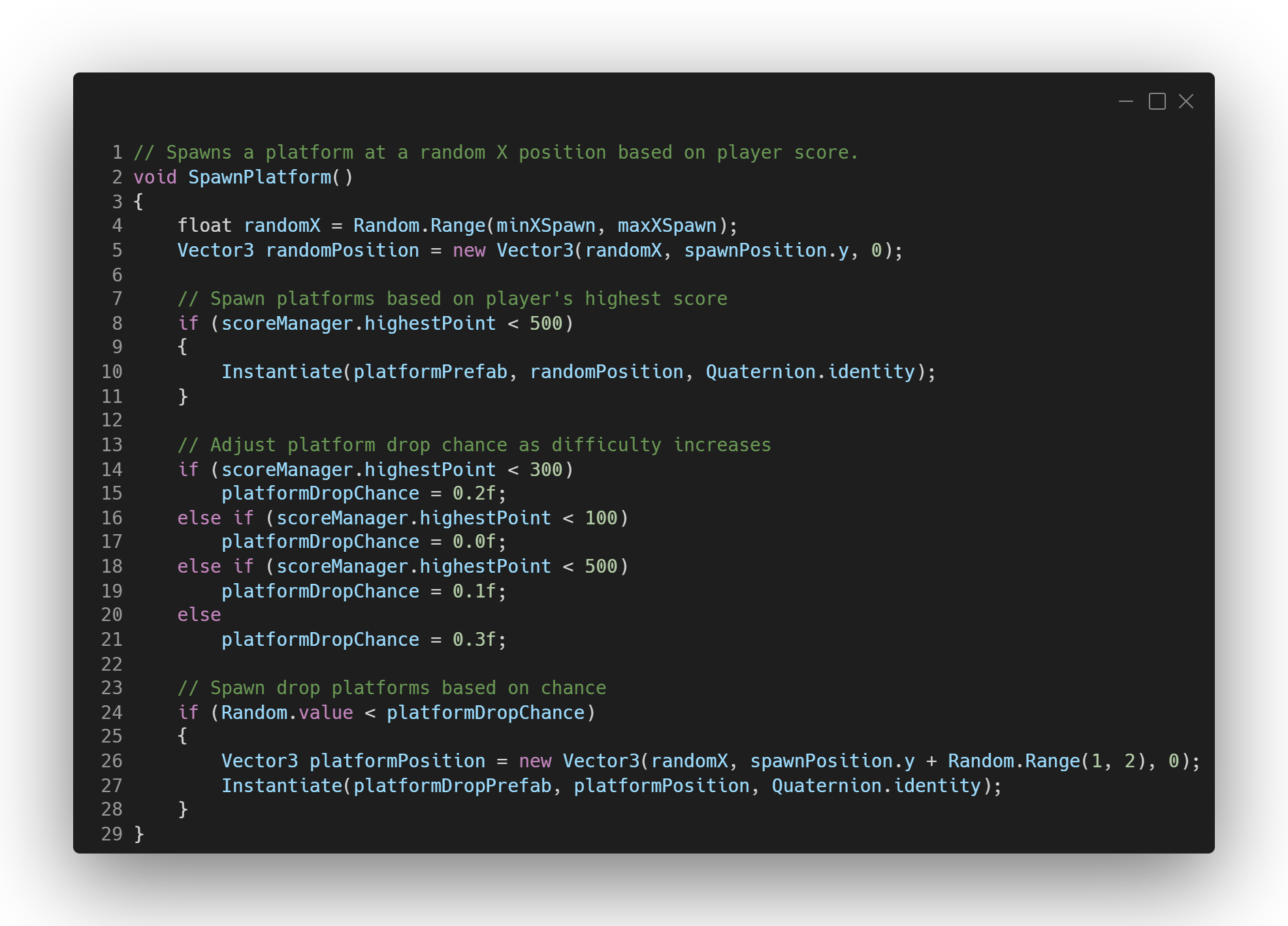
  • Technical Analysis
    What I Learnt
    Dynamic Player Progression Loop:
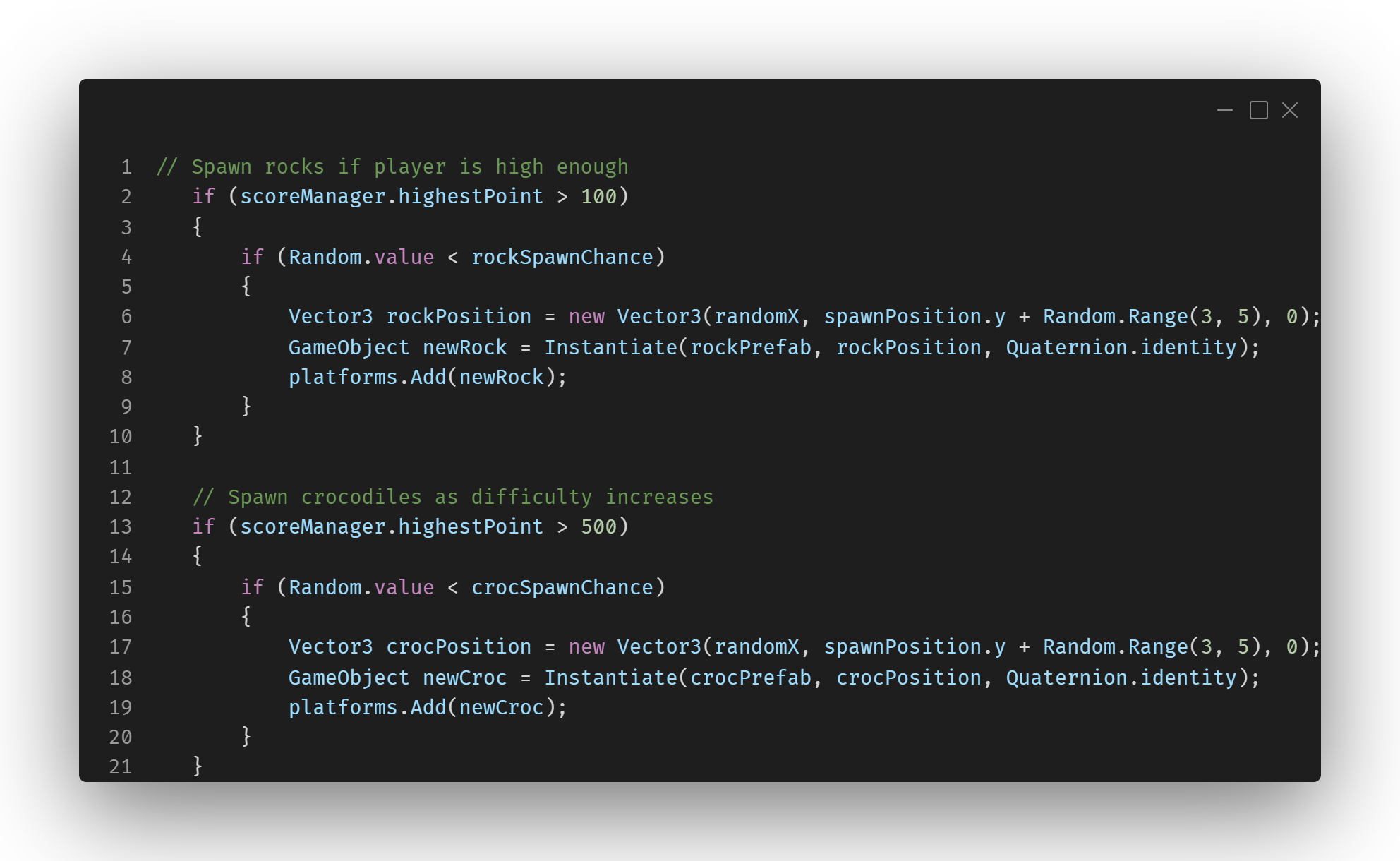
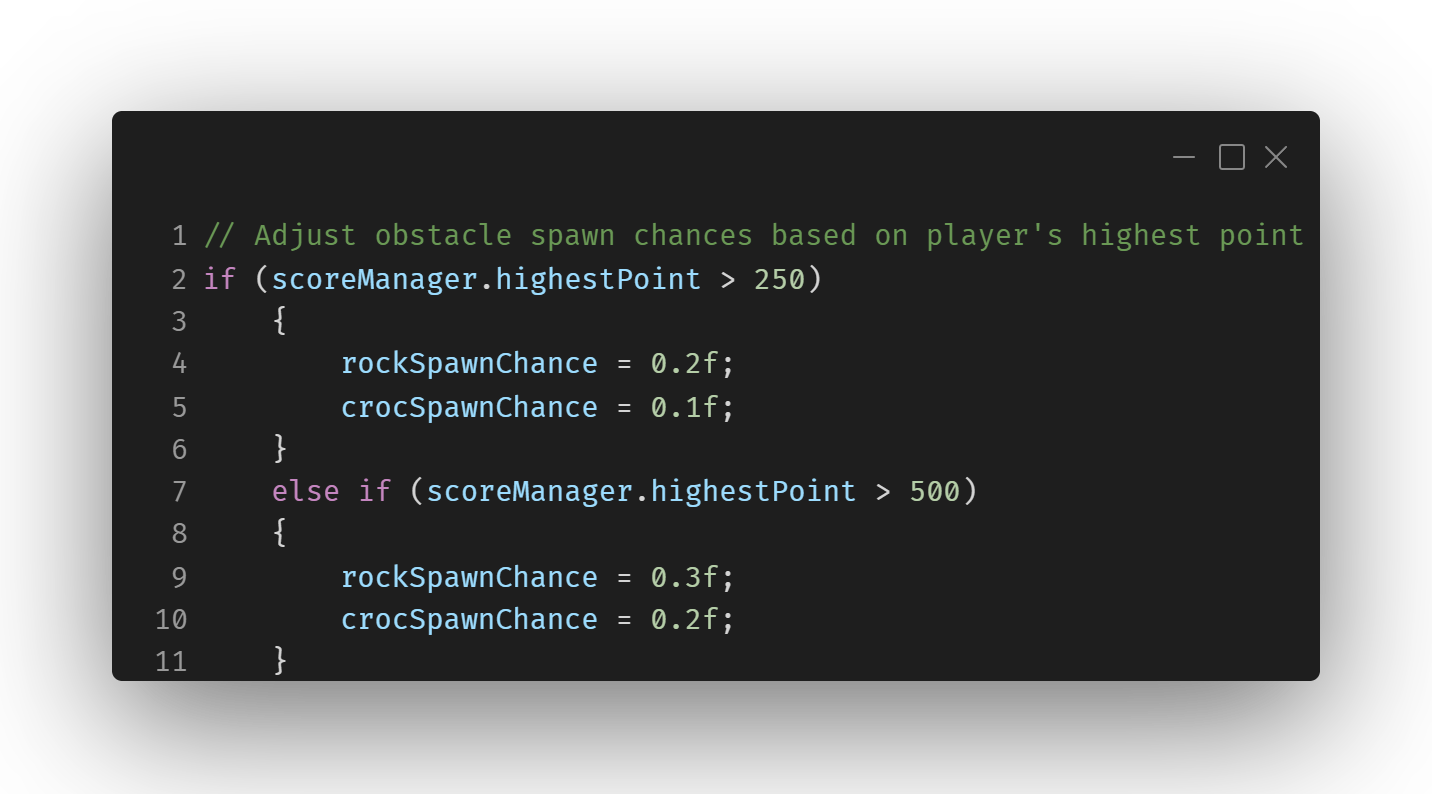
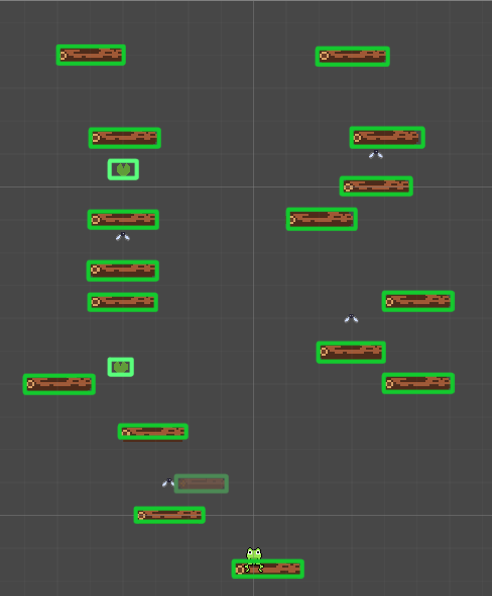
    One of the key challenges in Frog Doodle Jump was designing a dynamic and engaging gameplay loop that scales with player progression. I learned how to adjust the difficulty by increasing the challenge as the player progresses through the game. This included creating a difficulty curve where platforms become faster and obstacles increase in number, making the game more challenging and fun as the player advances. This progression system kept the gameplay fresh and ensured players stayed engaged.
    Saving Player Data and High Scores:
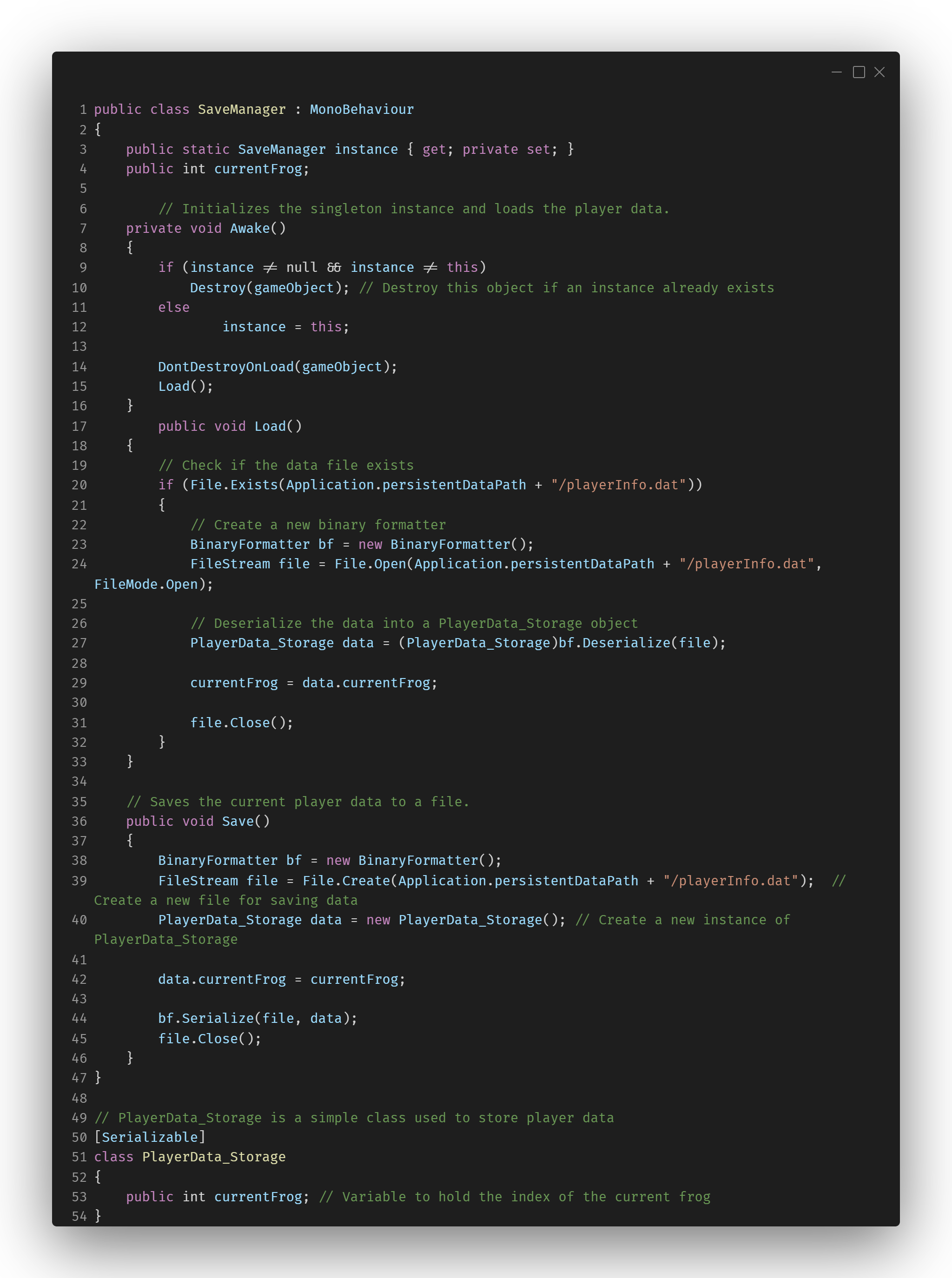
    For the first time, I implemented a save system to track the player's progress, including their current score, high score, and selected characters. I learned how to serialize data and create a system that would save this information even after the game is closed and reopened. I also worked on displaying this data on the game over screen, ensuring players could see their achievements. This was essential for providing feedback to players about their performance and encouraging replayability.
    Shop System and Unlocking Mechanisms:
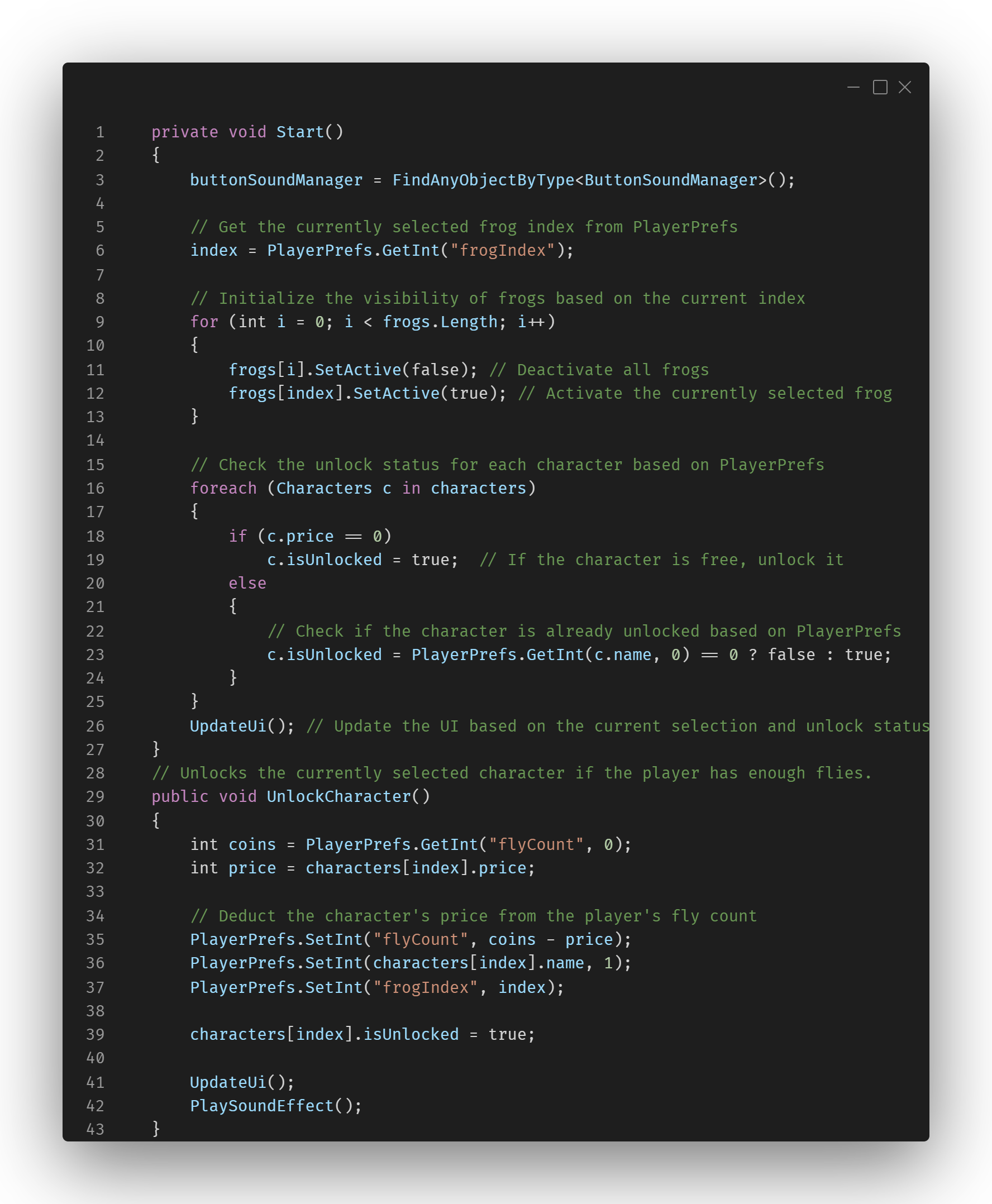
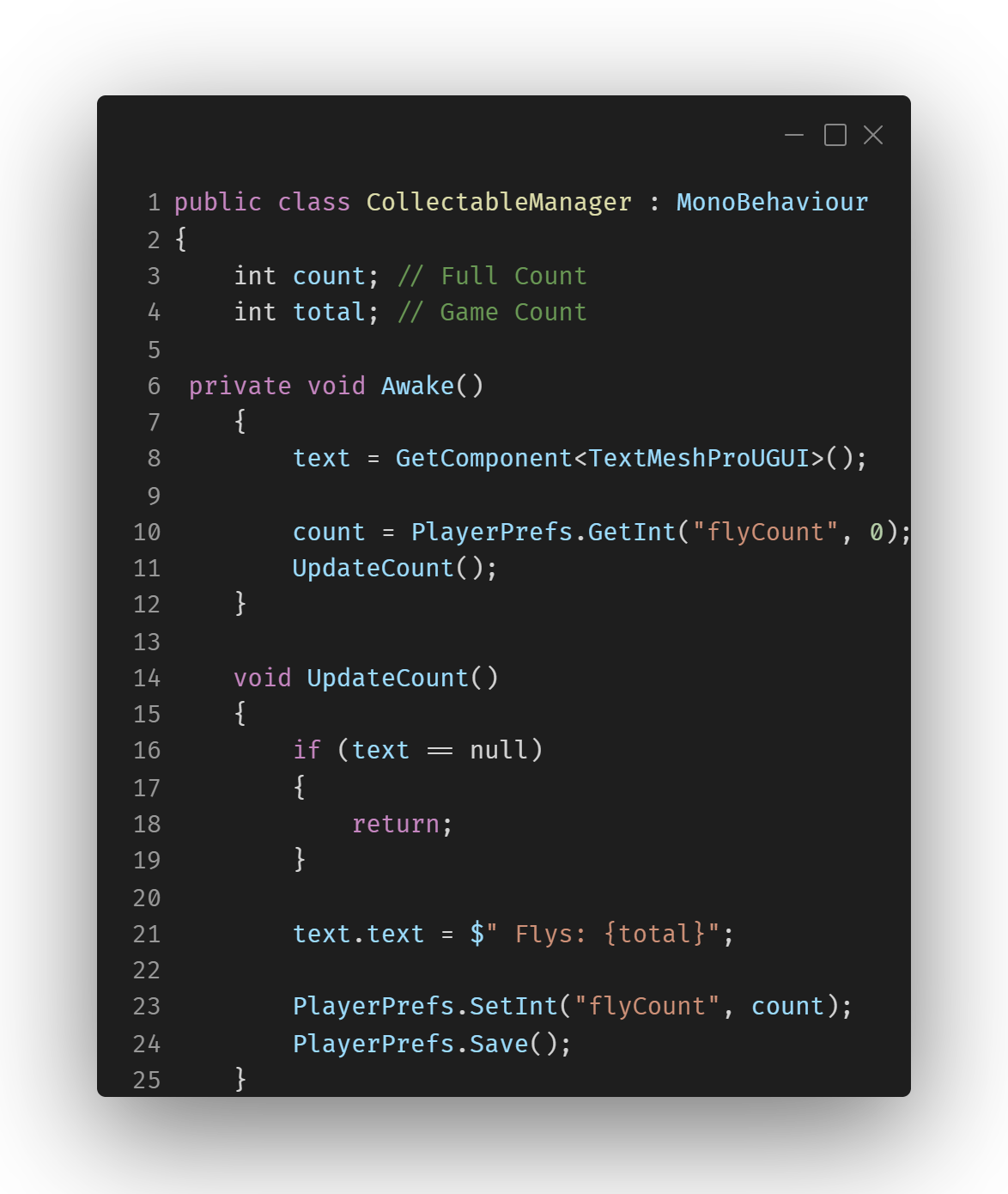
    I developed a shop system where players could unlock new characters using in-game currency. This was my first time building a system that handled unlockable content, and I gained experience in managing an in-game economy. I learned how to save player choices (such as selected characters) and persist these selections across sessions. This experience deepened my understanding of how to balance game progression and reward systems to keep players motivated.
    Polishing, Debugging, and Packaging:
    During the development of this game, I learned the importance of polishing and debugging. I made sure the game was free of bugs and optimized for performance, particularly when packaging the game for online play. I worked on making sure the user interface was intuitive, the controls were smooth, and the overall experience was free of interruptions. This was my first time preparing a game for public release and I learned how to debug efficiently and polish the final product for a professional standard.
    Retrospective
    Object Pooling:
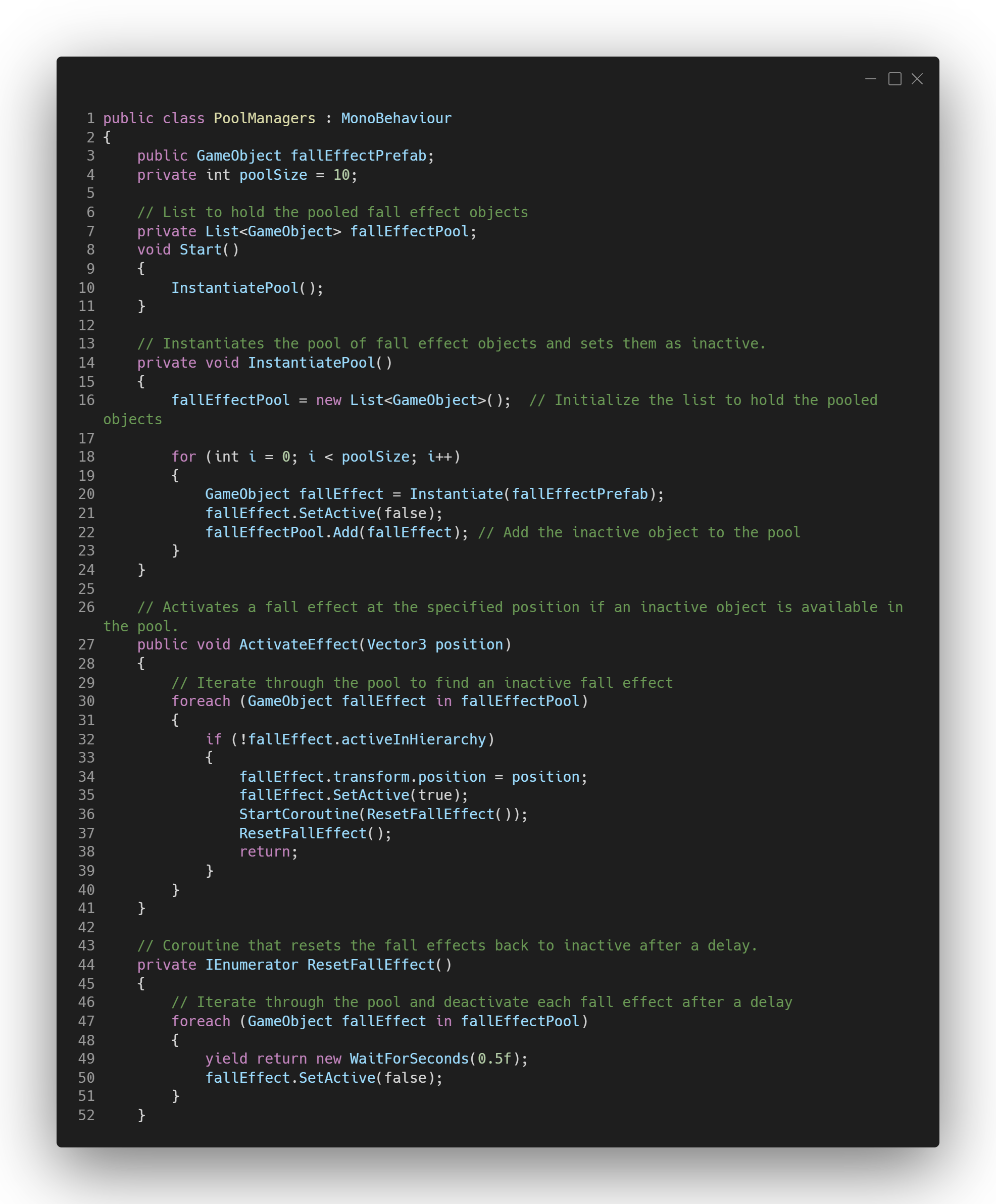
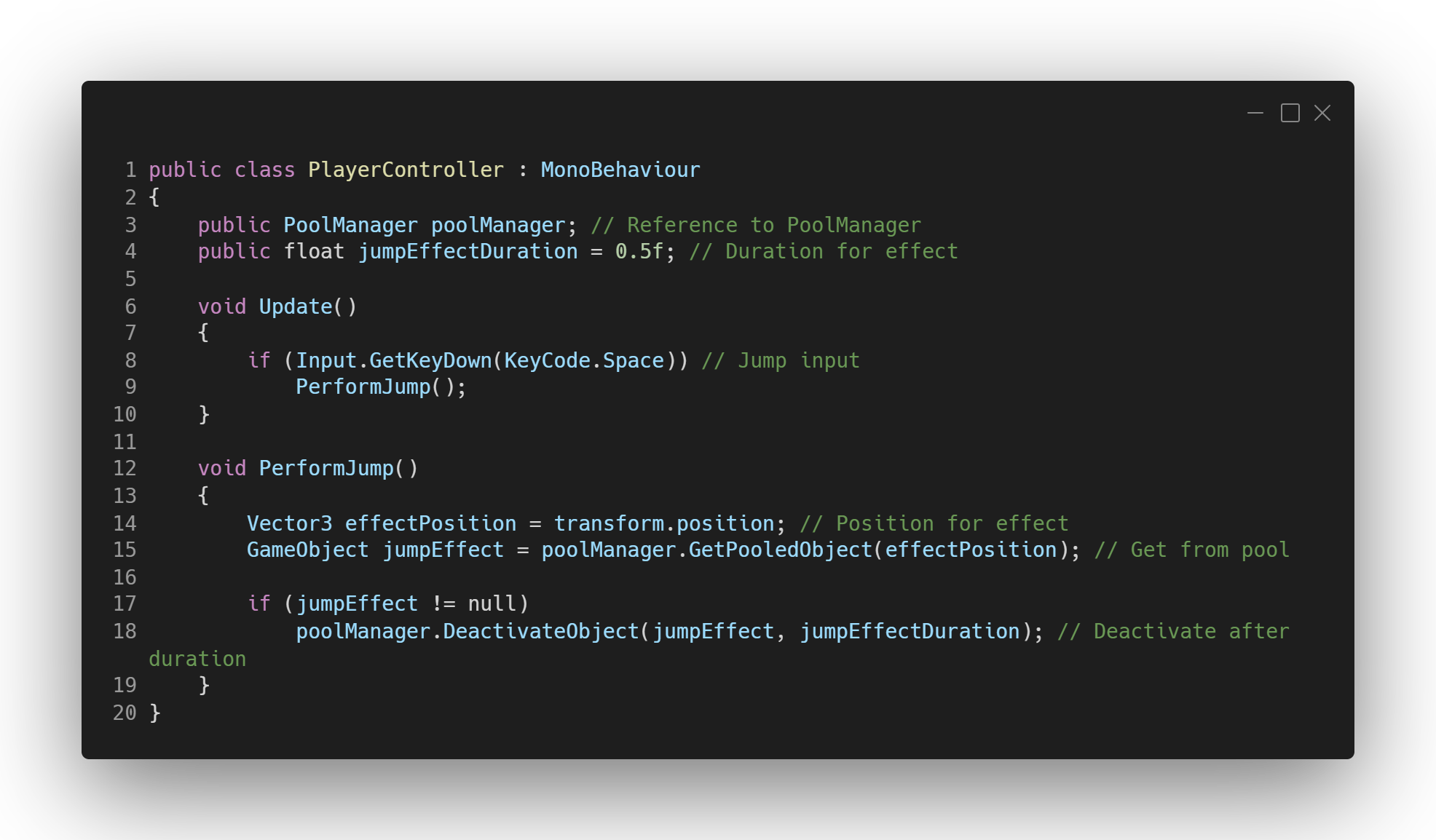
    I implemented object pooling for the jump effect, as it allowed me to avoid constantly instantiating and destroying objects. However, I only applied it to a single type of object. In retrospect, I realized that platforms could benefit greatly from object pooling as well. Rather than destroying and spawning new platform objects as they leave the screen, I could have instead deactivated them, moved them to a new position, and then reactivated them. This would have reduced unnecessary object creation, thus improving performance, especially if the game expanded in scope. While it didn't significantly impact gameplay performance due to the small scale of the project, applying object pooling more broadly would have followed best practices and helped the game run more efficiently. Moving forward, I plan to implement object pooling more comprehensively in future projects, particularly for dynamic objects like platforms, obstacles, and enemies.
    Unplanned Features:
    The addition of new characters and a shop system, which wasn't initially planned, significantly extended the project’s timeline. While it enhanced the game’s depth and replayability, it also created unforeseen delays. In hindsight, incorporating the shop system added complexity that could have been avoided or planned better in the early stages. Moving forward, I plan to be more mindful of scope creep and ensure that features are fully scoped out before implementation. This will help avoid delays and improve the overall development process.