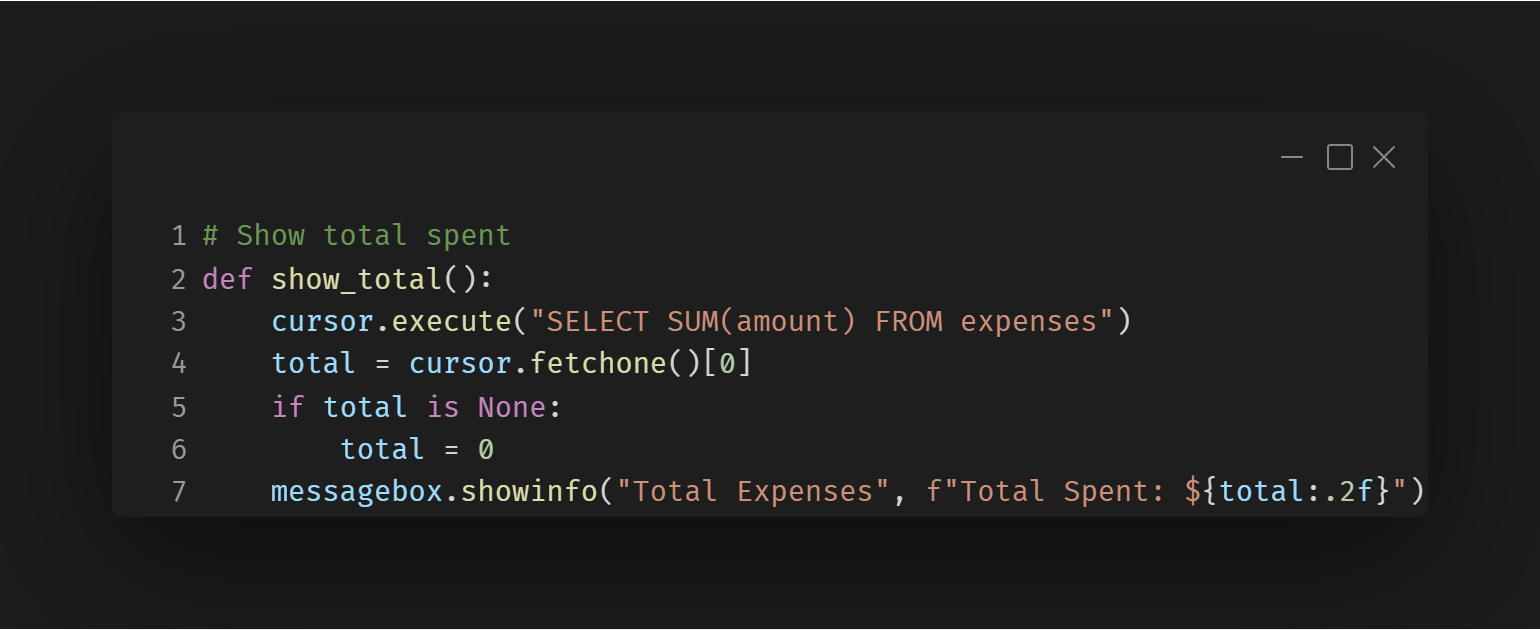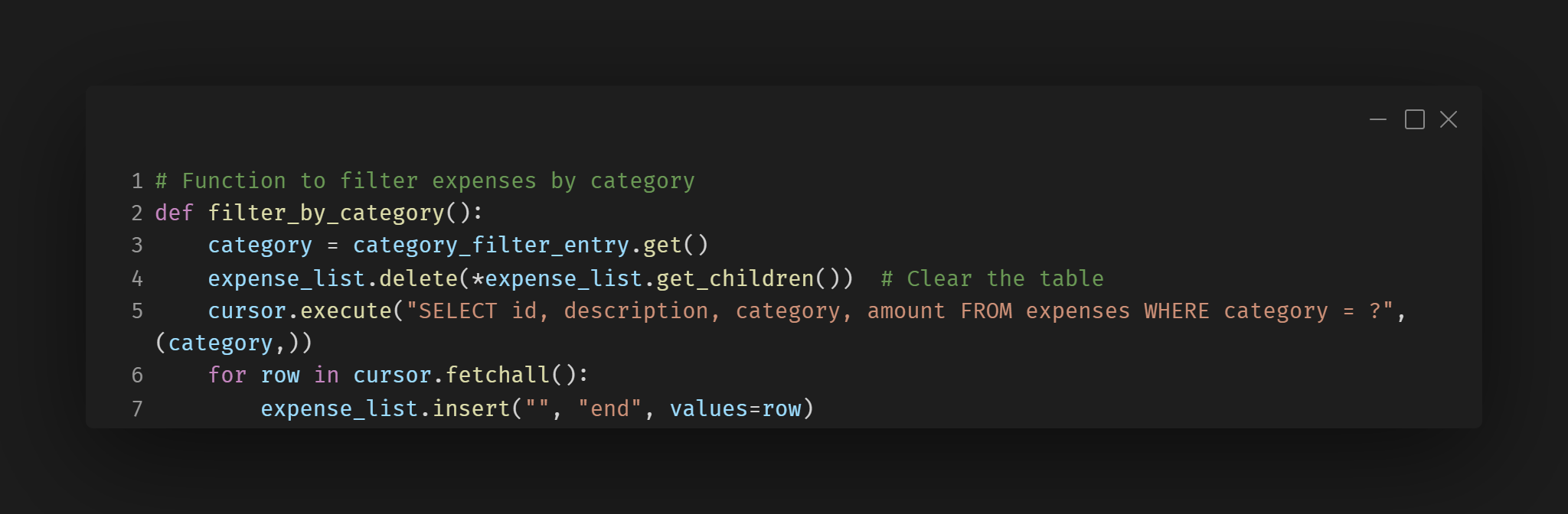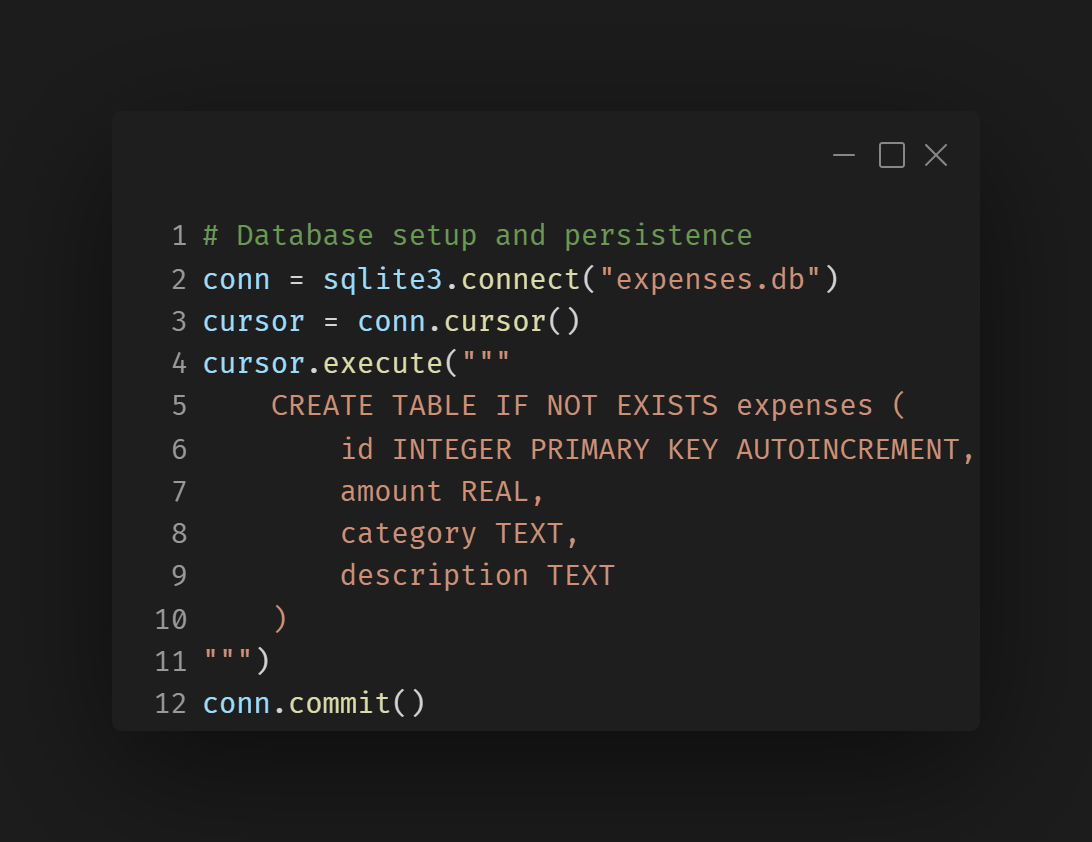



Description
This feature allows users to input new expenses into the system, where each expense is defined by its amount, category, and description. Users can also remove individual expenses or clear all records at once. Implementation
Inputting: A form with text fields allows users to input the amount, category, and description of each expense. On submission, the data is inserted into the SQLite database.
Removing: Users can select an expense from the table and delete it by clicking a button. The selected record is then removed from the database.
Deleting All: A separate button allows users to delete all expenses stored in the database, triggering a confirmation prompt before proceeding. Design Approach
A simple form layout with text fields for entering expense details. The user interface includes buttons for adding new expenses and deleting selected expenses or all records. A table (using Treeview) displays the list of current expenses.Click for details
×
-
Input Data
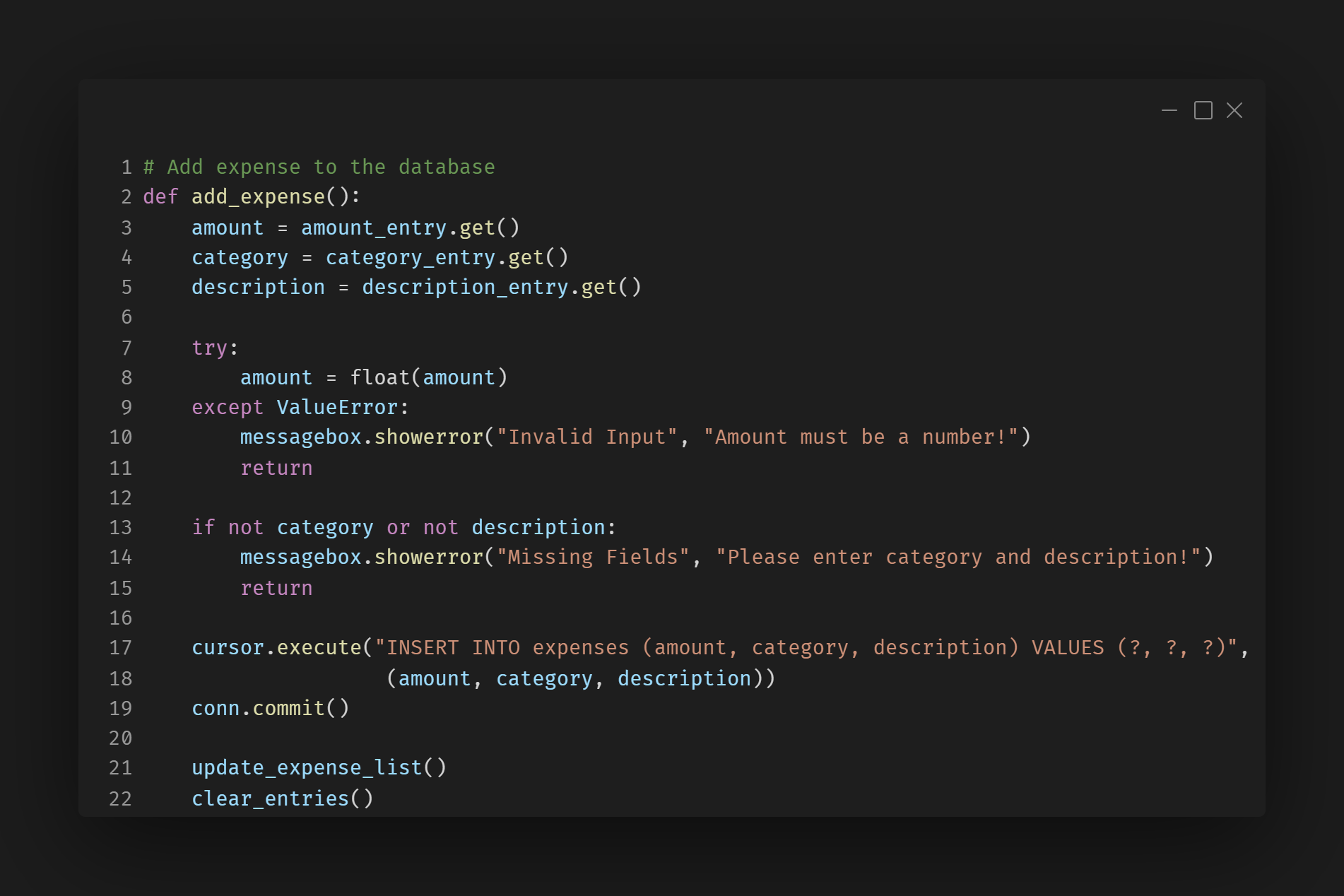
This snippet allows users to add new expenses by entering an amount, category, and description.
Delete Data
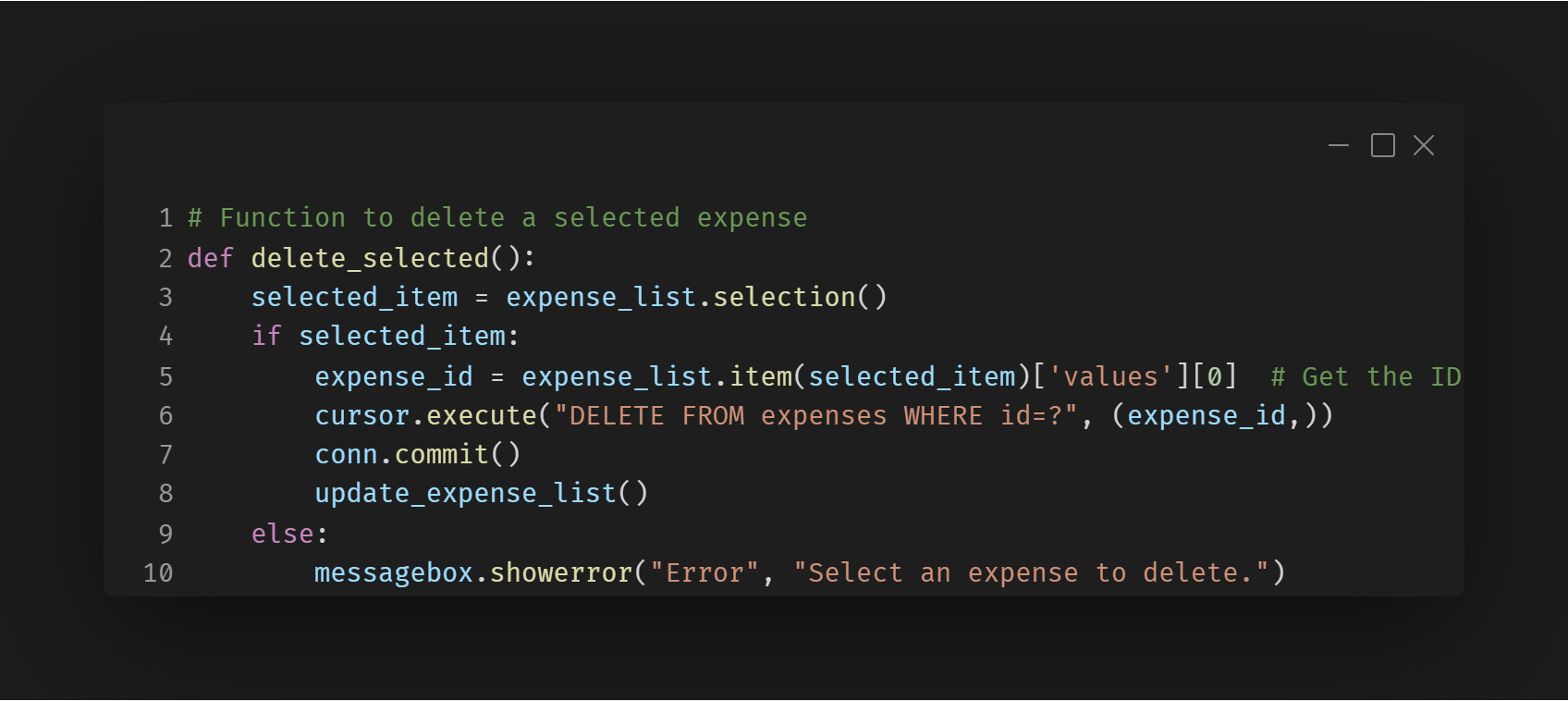
This snippit allows the users to delete individual records removing them from the database
Delete All
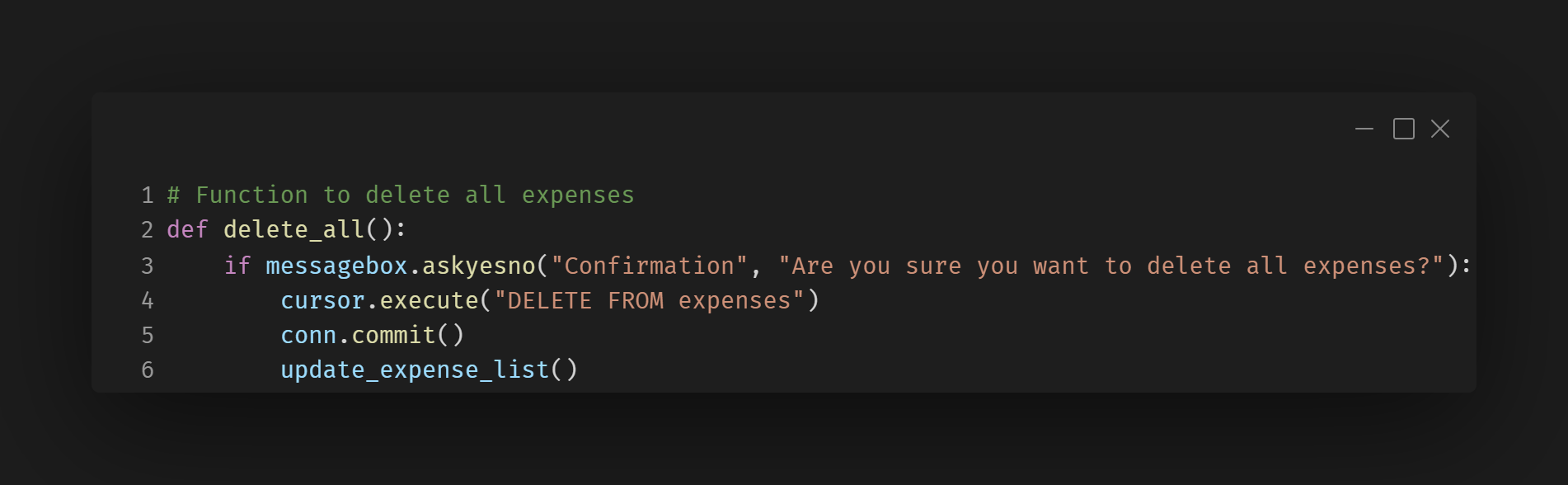
This snippit shows how the user can delete all data in the databse with a confirmation prompt to prevent accidental deleteion of the whole database.
Challanges
Ensuring Data Updates in Real-Time
Challange:
When adding, deleting, expenses, the UI might not update immediately, leading to a stale or outdated display.
Solution:
Use the update_expense_list() function after every database modification to refresh the displayed data.